Claude Code + OpenRouter + Open Model [DeepSeek V4 Flash] — Complete Setup Guide
![Claude Code + OpenRouter + Open Model [DeepSeek V4 Flash] — Complete Setup Guide](https://cdn.hashnode.com/uploads/covers/6636ba6b8190f870fe2bfeec/5eef6f2b-6c3c-45d9-98d8-755a77324e16.png)
If you’ve been wanting to run Claude Code using any cost-effective open-source model OpenRouter is the best choice — and specifically, route all your coding prompts to the ultra‑fast open-source model— this guide gives you a clean, reliable setup that works instantly.
Claude Code is an excellent CLI coding assistant, but by default it connects to Anthropic’s API. With OpenRouter, you can redirect Claude Code to any model you want, including DeepSeek’s latest high‑performance offerings.
Why Use Claude Code with OpenRouter?
Using Claude Code through OpenRouter unlocks several advantages:
Access to DeepSeek V4 Flash, one of the fastest coding‑optimized models available
Unified API routing across multiple AI providers
Lower cost compared to traditional Anthropic usage
Ability to swap models without changing your workflow
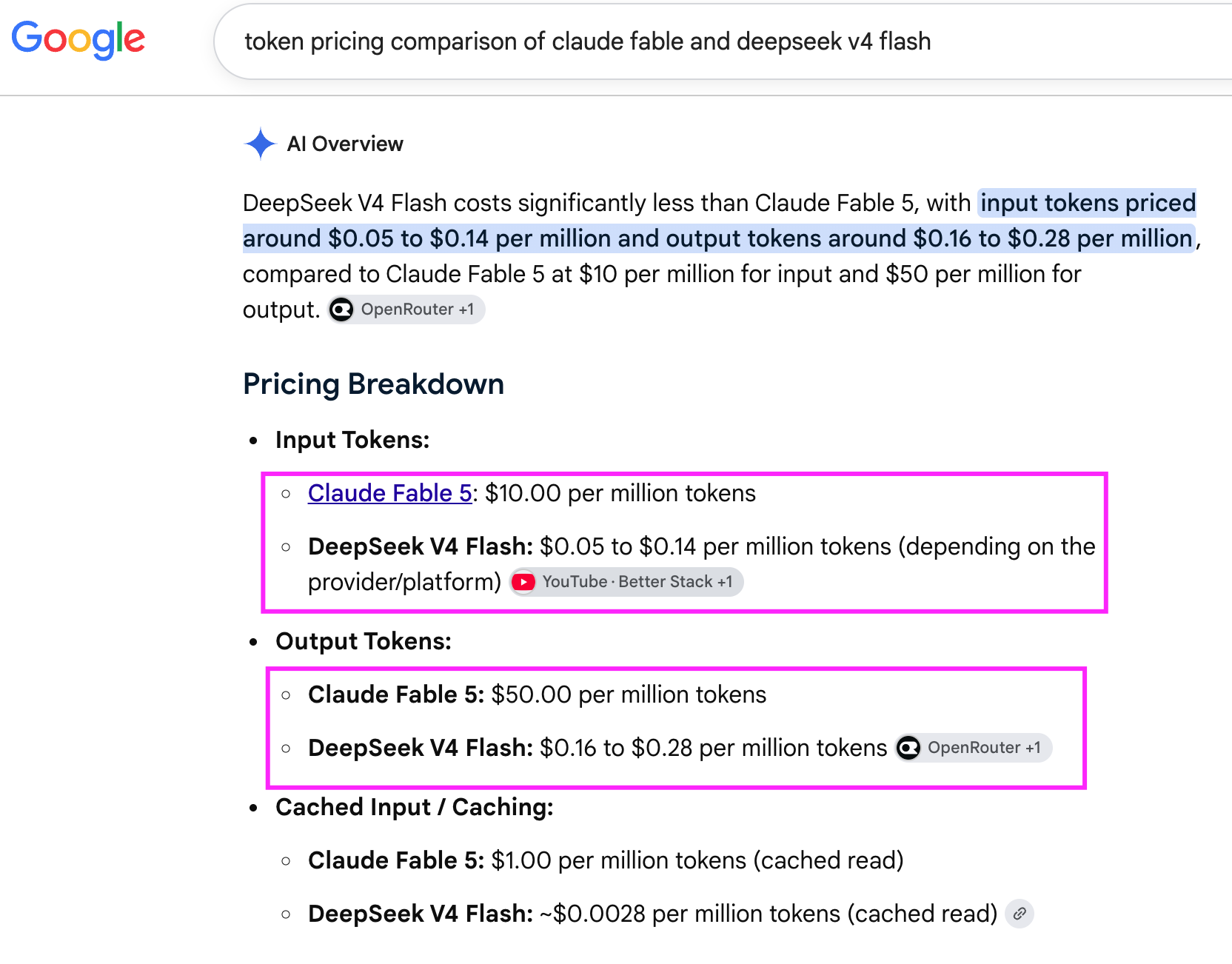
Price comparison of Claude Fable Model Vs DeepSeek V4?
Step 1: Install Claude Code Install the CLI globally:
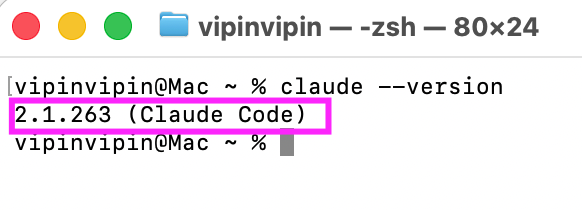
To install Claude Code, use following command in Mac:
curl -fsSL https://claude.ai/install.sh | bash
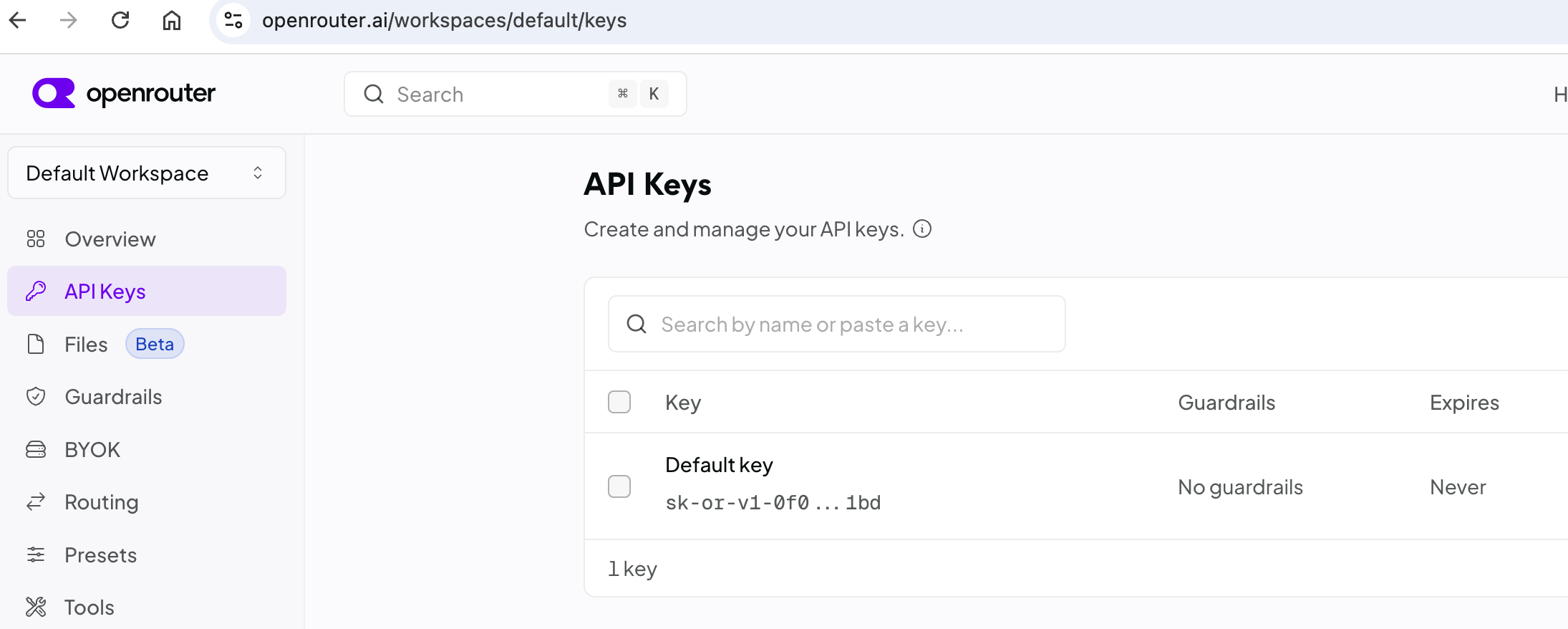
Step 2: Create an OpenRouter API Key Create an account at OpenRouter.ai
Generate an API key (it will look like sk-or-v1-...)
Add credits if you plan to use paid models
Keep this key safe — you’ll use it in your environment variables.
Step 3: Configure Claude Code to Use OpenRouter and select any open model
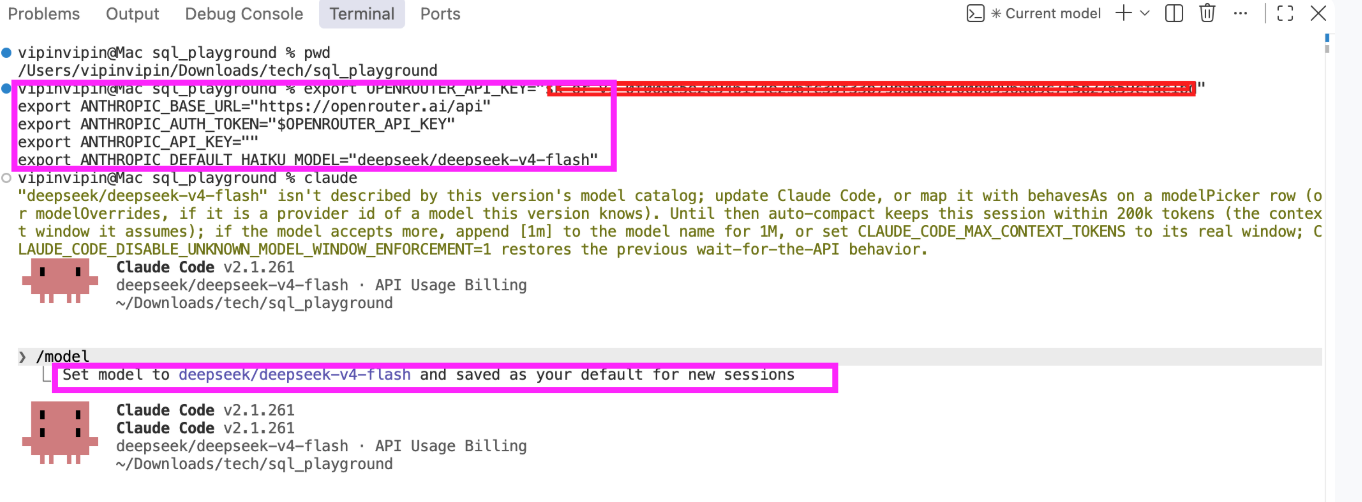
export OPENROUTER_API_KEY="<Open router API Key>"
export ANTHROPIC_BASE_URL="https://openrouter.ai/api"
export ANTHROPIC_AUTH_TOKEN="$OPENROUTER_API_KEY"
export ANTHROPIC_API_KEY=""
export ANTHROPIC_DEFAULT_HAIKU_MODEL="deepseek/deepseek-v4-flash"
Step 4: Connection Test



